7 monday.com Automation Ideas Every Company Should Set Up With AI
monday.com
Resources
7 monday.com Automation Ideas Every Growing Company Should Set Up With AI
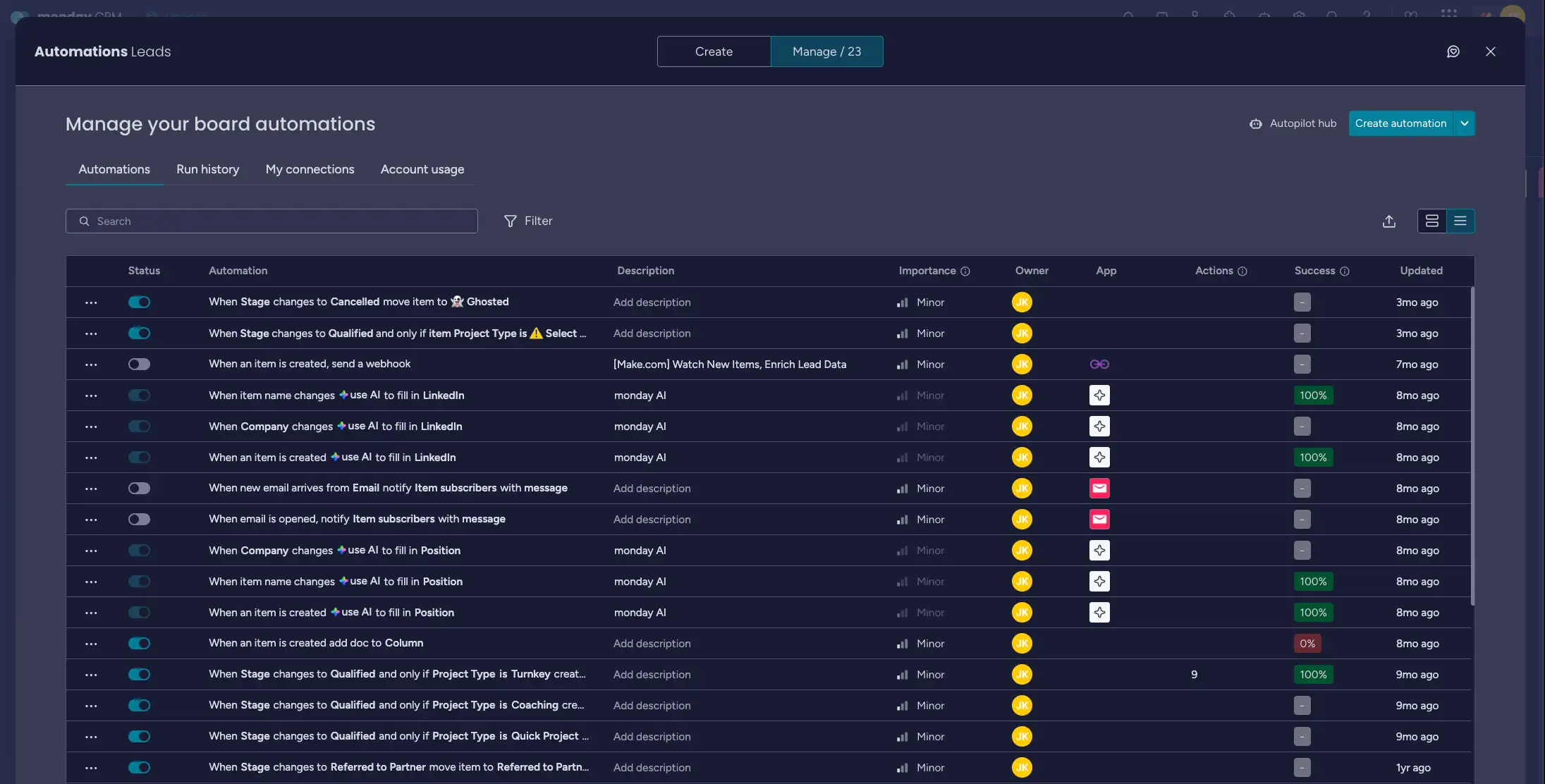
Most teams I work with already run a few basic automations in monday.com: a status changes, someone gets notified, a due date gets set. That is a good start, but it barely scratches what the platform can do now. The best monday.com automation ideas for a growing company in 2026 combine the native if-this-then-that recipes with monday's AI blocks, so your workflows do not just move items around, they read, sort, and summarize the work for you.
I am a certified monday.com partner, and below are the seven automations I set up most often for operations leaders and department heads at mid-sized and larger companies. Each one removes a recurring manual step that quietly eats hours every week. I have grouped them so you can start with the simplest and add the AI-powered ones as your team gets comfortable.
A quick note before the list: every AI action in monday.com (an AI block in a column, an AI-powered automation, an agent taking an action) consumes credits from your account. Plans that joined the AI work platform on or after May 6, 2026 start at 1,000 monthly credits on Basic, 2,000 on Standard, and 3,000 on Pro, with higher allocations available. monday Sidekick, the in-product assistant, does not draw from that pool. I will flag which ideas use credits so you can plan accordingly.
Why these monday.com automation ideas matter for a larger team
The math is simple. When you have 8 people each spending 20 minutes a day on routing, status updates, and "did anyone see this?" messages, that is more than a full workday lost across the team every single day. Automations do not replace judgment. They handle the predictable middle so your people spend their time on the parts that actually need a human.
Here is how I sequence them with my clients.
1. Auto-assign and notify on intake (no AI needed)
Start here. When a new item lands on a board, whether from a form, an email integration, or a CRM sync, it should never sit unassigned. Set a recipe so that when an item is created, it assigns an owner and notifies that person.
For teams that pass work between people, I rotate the owner so no single person becomes the bottleneck. This is a native automation, so it costs you nothing in credits and it ends the "I didn't know that was mine" problem on day one.
2. Route incoming requests by category, automatically
This is where AI earns its keep. Instead of someone reading every new request and deciding which team or board it belongs to, an AI block reads the request text and classifies it: support, sales, billing, partnerships, and so on. A follow-up automation then moves the item to the right group or board and assigns the matching owner.
I use this constantly for shared inboxes and intake forms. One client was manually triaging roughly 60 requests a day. After we set up classification, the only items a human touched were the genuine edge cases. This one uses AI credits per item, so it is worth metering on a busy board.
3. Summarize long updates into a one-line status
Operations leaders do not have time to read a 9-paragraph update thread on every item. An AI block can read the latest updates on an item and write a short summary into a text column. Your dashboard then shows a readable "where this stands" line instead of forcing managers to open each item.
This is one of the highest-value monday.com automation ideas for directors who manage by exception. You glance at the board, spot the two summaries that look off, and dig into only those.
4. Extract key fields from messy inbound text
When requests arrive as free-form text (an email, a form note, a pasted message), the important details are buried: budget, deadline, account name, priority. An AI block can pull those fields out and write them into structured columns automatically.
The payoff is that the rest of your automations, filters, and dashboards suddenly work, because the data is now clean and consistent instead of trapped in a paragraph. I treat this as the foundation for any reporting a client wants later.
5. Escalate items that have gone quiet
Things slip when no one is watching the clock. Set an automation that watches for items sitting in a status too long, or past their due date, and escalates them: change the status to a visible "At risk" color, notify the owner's manager, and bump the item to the top of the group.
You can keep this fully native, or add an AI layer that drafts a short nudge message based on the item's context. Either way, nothing important quietly rots in the middle of a board again.
6. Turn meeting and call notes into action items
If your team uses monday's AI Notetaker, or you paste notes into an item, an AI block can read those notes and generate a checklist of action items, each with a suggested owner. A follow-up automation creates subitems or new tasks from that list.
This closes the most common gap I see: good decisions get made in a meeting and then half of them never make it onto a board.
7. Send a clean client-facing update on status change
For client work, your customers do not need to see your internal board. Set an automation that fires when an item reaches a milestone status, and have an AI block draft a short, professional update in your tone. A human can approve it, or for low-risk updates you can send automatically.
This keeps clients informed without anyone writing the same "just letting you know we've moved to the next phase" email for the hundredth time.
How to roll these out without overwhelming your team
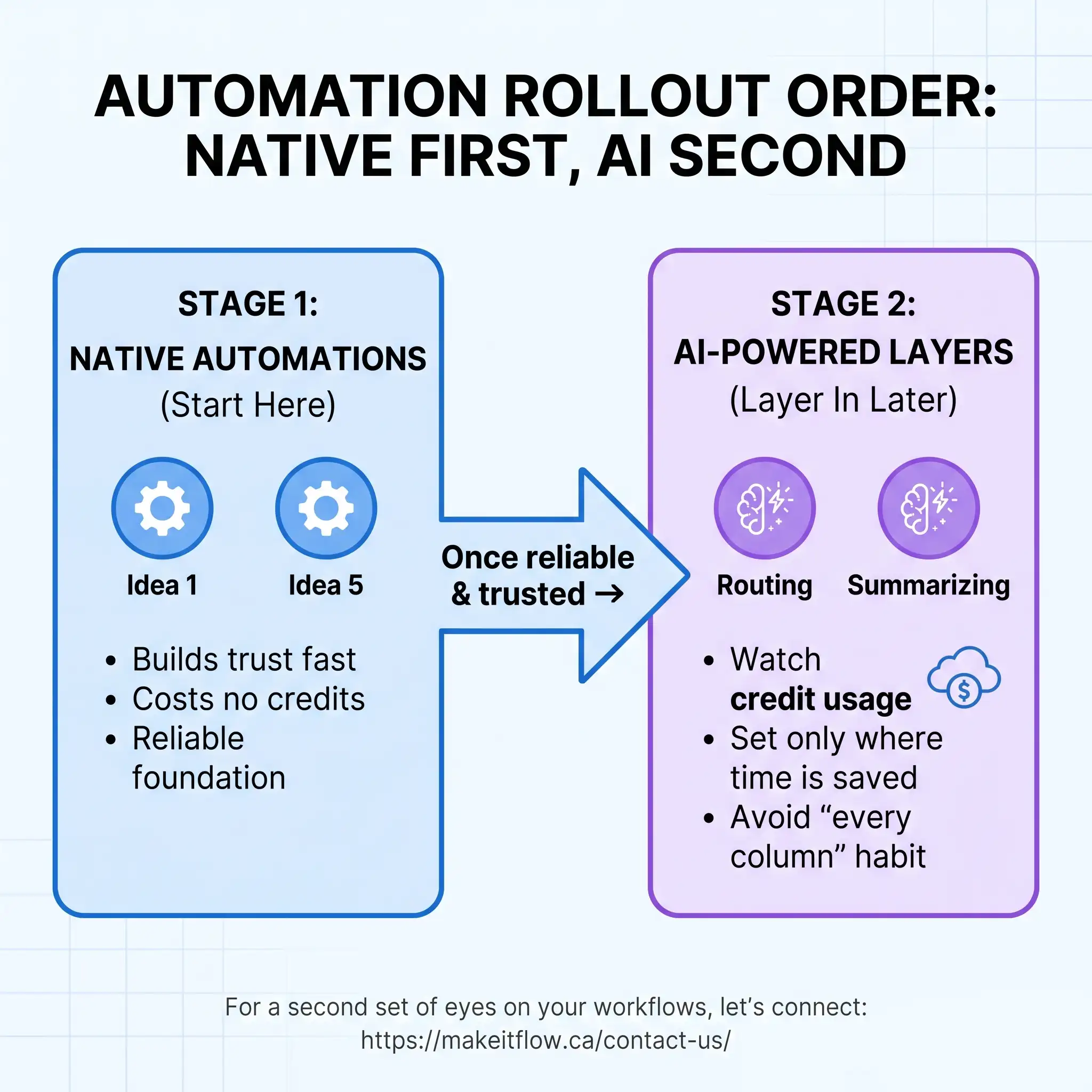
Do not switch on all seven at once. I usually start a client with ideas 1 and 5, the native ones, because they build trust fast and cost no credits. Once the team sees automations working reliably, we layer in the AI-powered routing and summarizing. Watch your credit usage for the first few weeks on high-volume boards, and set the AI blocks to run only where they save real time, not on every column out of habit.
If you want a second set of eyes on which automations fit your workflows, that is exactly the kind of thing I help with. You can reach me here.
FAQ
Which monday.com automation ideas should a growing company set up first?
Start with native, no-credit automations: auto-assign and notify on intake, and escalation for overdue or stalled items. They deliver value immediately and cost nothing in AI credits. Add AI-powered routing and summarizing once your team trusts the basics.
Do monday.com AI automations cost extra?
AI actions consume credits from your account's monthly allocation. As of 2026, plans that joined the AI work platform on or after May 6 start at 1,000 credits monthly on Basic, 2,000 on Standard, and 3,000 on Pro, with larger allocations available. monday Sidekick does not consume credits. Native (non-AI) automations do not draw from the credit pool.
What is the difference between a native automation and an AI block?
A native automation is a fixed if-this-then-that rule: a trigger, an optional condition, and an action. An AI block handles tasks that involve ambiguity, like reading text, classifying it, summarizing it, or extracting fields. The strongest workflows combine both, using an AI block to interpret, then a native automation to act on the result.
How many automations can one company realistically manage?
Far more than you would expect, as long as each one solves a clear, recurring problem and has an owner who understands it. The risk is not quantity, it is setting up automations no one documents or reviews. I keep a simple register for clients so every rule has a purpose and a person responsible.