7 AI Automations Every Growing Company Should Set Up in monday.com
monday.com
Resources
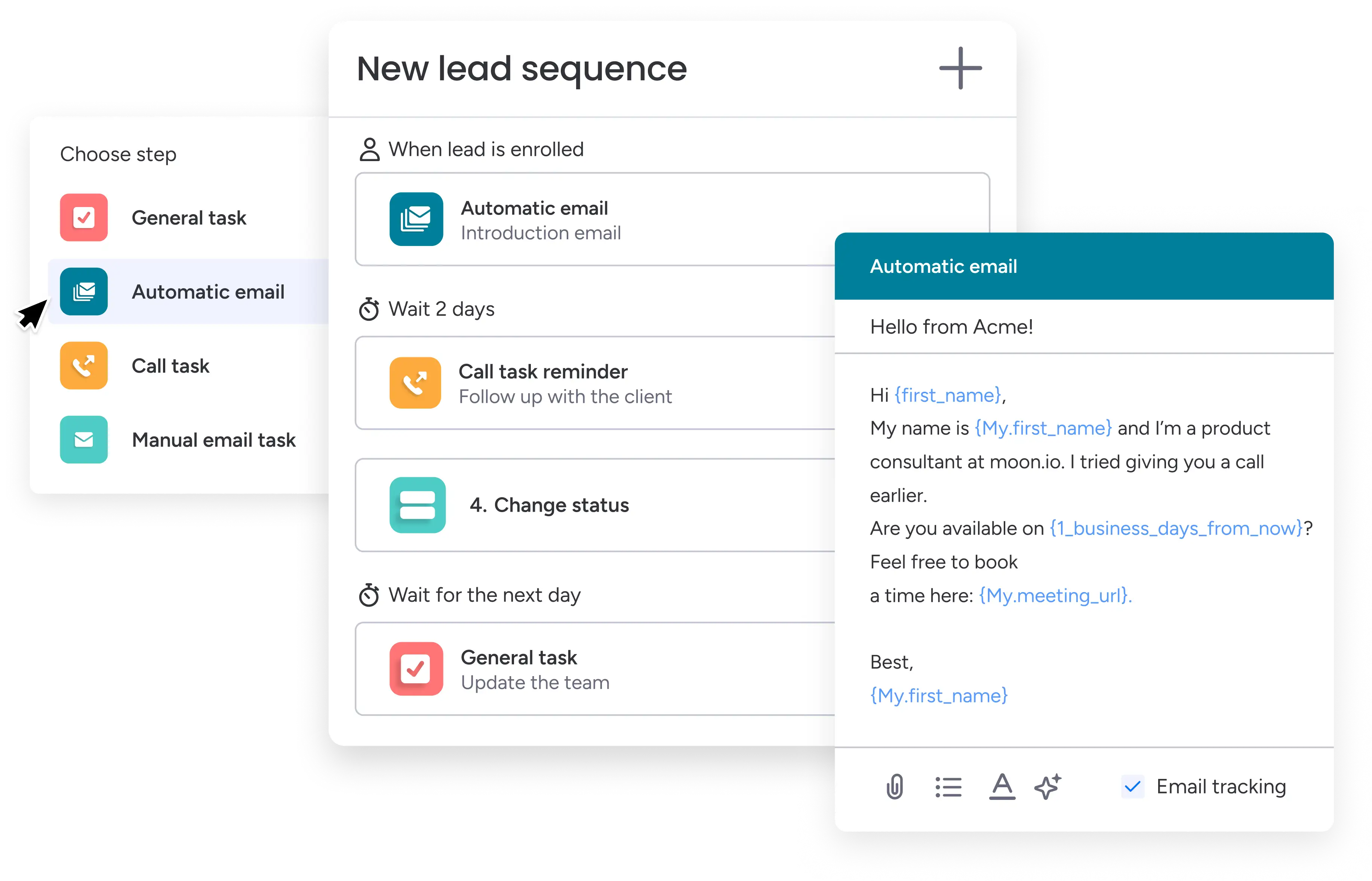
If you are looking for monday.com automation ideas that actually move the needle, the most useful ones in 2026 are no longer the simple "when status changes, notify someone" rules. Those still matter. But the bigger wins now come from pairing monday.com's native automations with its AI Blocks, which let the platform read text, categorize it, extract structured data, and decide what happens next. I set these up for clients every week, and the pattern is consistent: the teams that get value are the ones who start with a few high-volume, repetitive decisions and let AI handle the first pass.
Below are seven AI automations I recommend to most growing companies. I have kept them practical and ordered roughly by how quickly they pay off. Each one uses features available in monday.com today, so you can build them without waiting on a custom project.
A quick note before the list. Every AI Block and AI-powered automation draws from a shared pool of AI credits, billed on a credit-based consumption model. That is good news for planning, because you can see usage in one place, but it does mean you should point AI at the work where it saves the most time first. I will flag where credit use is worth watching.
Why these monday.com automation ideas work for larger teams
Most automation advice is written for a solo founder running one board. At a medium or large company, the problem is different. You have multiple departments, more hand-offs, and far more inbound text: tickets, leads, requests, vendor emails, and updates that someone has to read, sort, and route. That reading-and-sorting layer is where people quietly lose hours. AI is good at exactly that layer, which is why the automations below focus on classifying, summarizing, and routing rather than flashy generation.
1. Auto-categorize and route inbound requests
This is the one I set up first for almost every client. Whenever a new item lands on an intake board, whether from a form, an email integration, or monday service, a Categorize AI Block reads the request text and assigns a label: department, request type, or urgency. A standard automation then routes the item to the right group, board, or owner based on that label.
The result is that requests stop sitting in a shared inbox waiting for a human to triage them. For a team handling a few hundred inbound items a week, this alone can recover most of a full day of manual sorting. Watch credit use here, because it runs on every new item; if volume is very high, restrict the AI step to the boards where routing accuracy matters most.
2. Summarize long update threads automatically
On busy projects, the update thread on an item becomes a wall of comments. When a manager opens it, they need the gist, not forty messages. A Summarize AI automation reads the update thread and writes a short summary into a dedicated field whenever the thread changes, or on a schedule.
For directors who review status across many items, this turns a ten-minute read into a ten-second one. I usually pair it with a dashboard so leadership sees current summaries across a portfolio without opening a single item.
3. Extract structured data from documents and emails
Your team receives invoices, resumes, contracts, and proposals as unstructured files and emails. Someone usually retypes the key fields into monday.com by hand. An Extract Info AI Block reads the document text and pulls the specific values you define, vendor name, amount, date, candidate skills, into separate columns.
This removes one of the most error-prone manual tasks in any operation. It is also one of the highest-value uses of AI credits, because the alternative is slow human data entry that introduces mistakes.
4. Detect sentiment on customer feedback and replies
If your company collects feedback, survey responses, or support replies, a Detect Sentiment column reads each text entry and tags it Positive, Negative, or Neutral as it arrives. You can then automate an escalation: when sentiment is Negative on a key account, notify the account owner and raise priority.
For a larger service or success team, this gives you an early-warning system instead of finding out a client is unhappy at renewal. It is cheap on credits relative to the value, because the text per entry is short.
5. Auto-generate first-draft replies for common requests
For repetitive inbound questions, an AI Service Agent or a Custom AI Block can draft a response based on the request and your knowledge base, then leave it for a person to review and send. The key word is draft. I rarely recommend fully automated sending for anything customer-facing at this stage; the value is in removing the blank-page step, not removing the human.
A support team that handles the same twenty questions all day can cut handling time substantially while keeping a person in the loop for tone and accuracy. Reserve full automation for internal or very low-risk replies.
6. Classify and score leads as they enter the pipeline
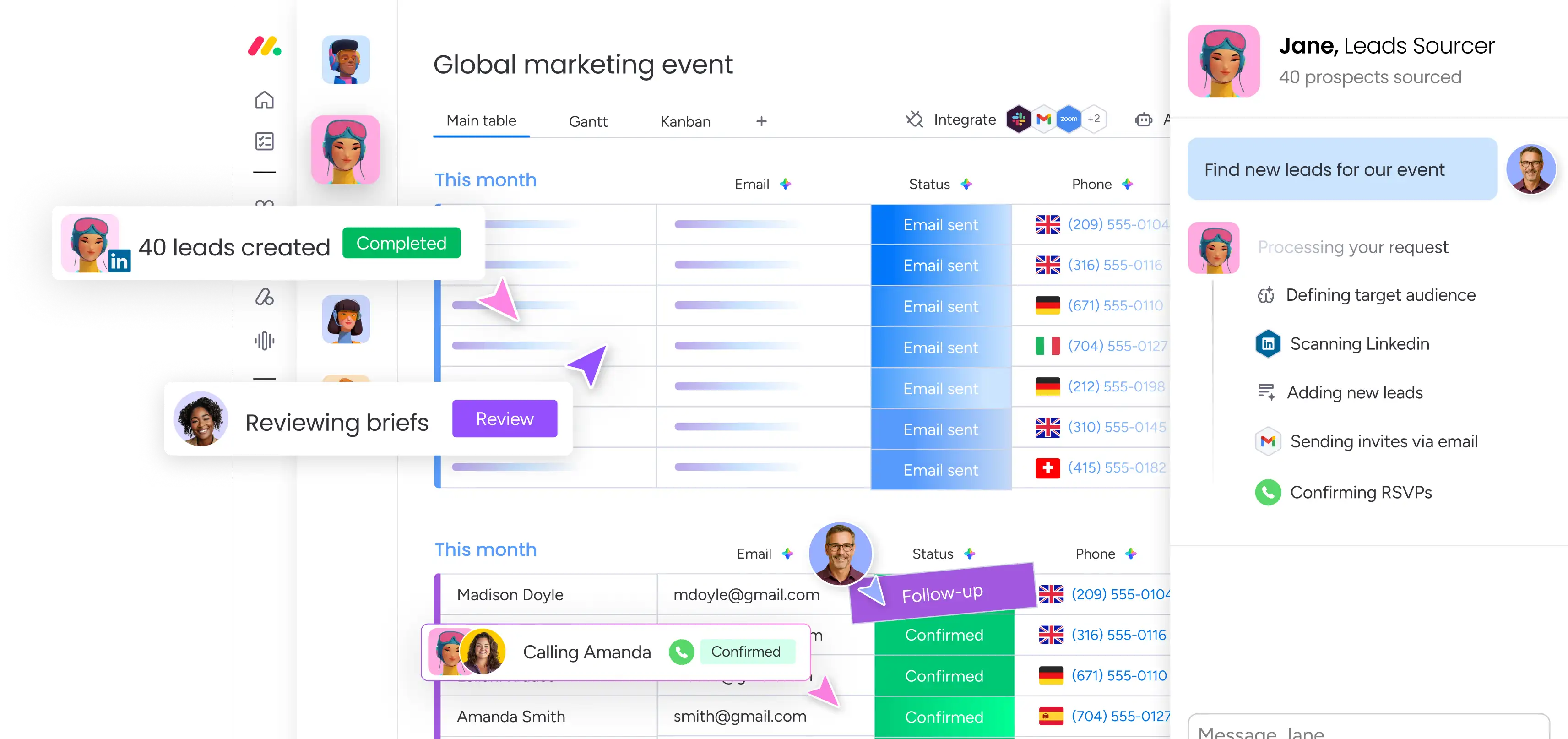
When a new lead hits your monday CRM, a Categorize or Custom AI Block can read the form notes or enrichment data and assign a tier, fit score, or segment. An automation then routes hot leads to a senior rep immediately and drops lower-priority ones into a nurture group.
For a sales team where speed-to-lead determines win rates, this means your best reps spend time on the right contacts instead of working a list top to bottom. I have written a full walkthrough of lead qualification and routing in monday CRM, linked below, if you want to go deeper on this one.
7. Turn meeting notes into assigned action items
After a meeting, paste or sync the notes into an item, and a Custom AI Block extracts the action items, then an automation creates a sub-item or task for each one and assigns it to the right person. The Assign People capability can even suggest the best owner based on the work.
This closes the gap where decisions get made in a meeting and then quietly fall through because nobody logged them. It is a small automation with an outsized effect on follow-through, especially for teams running a lot of recurring meetings.
How to roll these out without overspending on credits
I tell clients to pick two from this list, not seven. Start with the automations that run on your highest-volume, most repetitive text, usually request routing and data extraction, and measure the time saved over a few weeks. Once you trust the output, expand. Because everything draws on the same AI credit pool, staging the rollout keeps spend predictable and lets you tune each automation before the next one goes live.
The teams that struggle are the ones who switch on every AI feature at once and then cannot tell which ones are worth the credits. The teams that win treat it like any other process change: one workflow at a time, with a clear before-and-after.
Frequently asked questions
Do I need a developer to set up monday.com AI automations? No. AI Blocks and AI-powered automations are built into monday.com's automation and workflow builder, so an operations lead or admin can configure most of these. The harder part is designing the logic and labels correctly, which is where I usually help clients, but the building itself does not require code.
How much do monday.com AI automations cost to run? monday AI uses a shared credit-based consumption model. Every AI Block or AI automation draws from one pool of credits, and the amount depends on the complexity of the task and the length of the text processed. Short classifications cost little; summarizing long documents costs more. The single pool makes it easy to monitor usage across the whole account.
Are these automations reliable enough for customer-facing work? For classification, routing, summarizing, and data extraction, yes, with a quick review step early on while you build trust. For anything that sends a message to a customer, I recommend keeping a human approving the AI's draft rather than fully automating the send, at least until you have seen consistent quality.
Which automation should a growing company set up first? Auto-categorizing and routing inbound requests, in most cases. It runs on high volume, it removes a tedious manual step, and the benefit is obvious within the first week. Data extraction from documents is a close second.
Ready to put these to work?
If you want help choosing the right automations for your team and building them so they are accurate and cost-efficient, that is what I do. As a certified monday.com partner, I design and implement AI automations for medium and large companies every week. Get in touch here and we will map out where AI can save your team the most time.