AI Automations: What to Automate First
AI Automations
Resources
The Small Business Owner's Guide to AI Automation: What to Automate First
Most owners I talk to have the same reaction to AI automation for small business: they know they should be doing something with it, but they have no idea where to start. The advice online is either too technical or too vague, and the tool list grows every month. So you do nothing, and another quarter goes by while you and your team keep doing the same manual work by hand.
I run a small consultancy near Montreal, and I set up automations for owners and operators every week. The good news is that you do not need to automate everything, and you definitely do not need to be technical. You need a simple way to decide what to automate first. That is what this guide gives you.
What AI automation for small business actually means
Let me clear up the language, because the word "AI" gets used for two different things and the difference matters.
Regular automation moves information between your tools based on rules you set. A new form submission creates a task. A paid invoice sends a thank-you email. Nothing is "thinking," it is just following your if-this-then-that instructions reliably, 24 hours a day.
AI automation adds judgment to that flow. Instead of only moving data, it can read an email and decide which category it belongs to, summarize a long document, draft a reply in your tone, or pull the three key points out of a meeting transcript. You still set the guardrails, but the AI handles the messy, language-heavy steps that used to require a person.
For most small businesses, the wins come from combining the two: rules to move things along, AI to handle the parts that need reading, writing, or sorting.
The test I use to pick the first task
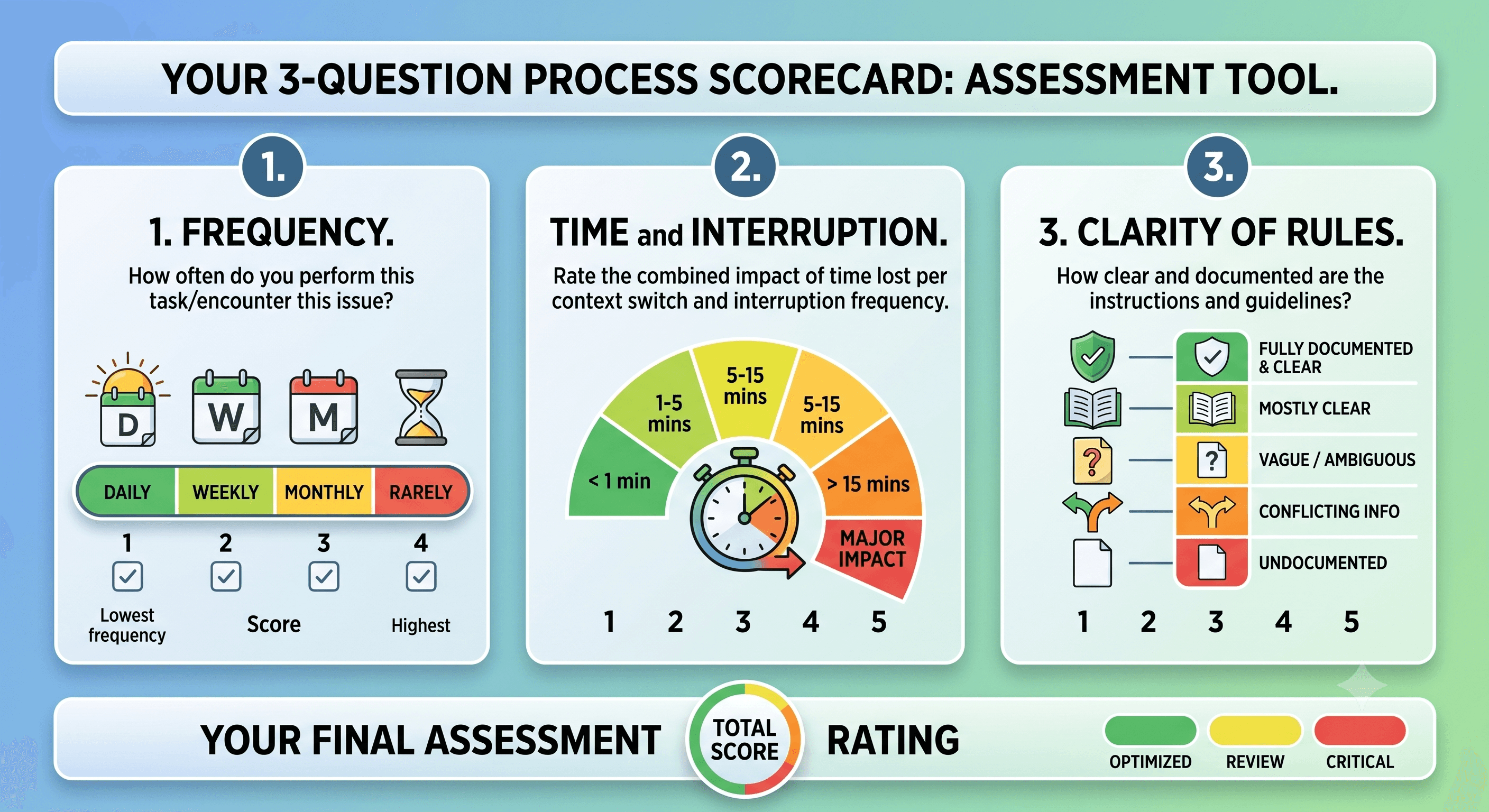
When a client asks what they should automate first, I do not start with tools. I start with their week. I ask them to look for tasks that are repetitive, rule-based, and low-risk if they go slightly wrong at first. Then I score each candidate on three questions:
How often does it happen? Something you do 20 times a day is worth more than something you do once a month, even if the monthly task feels more annoying.
How long does it take, and how much does it interrupt you? A two-minute task that breaks your focus eight times a day costs far more than the clock says.
How clear are the rules? If you can explain the task to a new hire in a few sentences, a computer can probably handle most of it. If it needs deep judgment or a relationship, keep a human in the loop.
The sweet spot for your first automation is high frequency, clear rules, and low risk. Start there, get a win, and build trust before you touch anything complicated.
What I tell clients to automate first
These are the jobs I see deliver value fastest, almost regardless of industry.
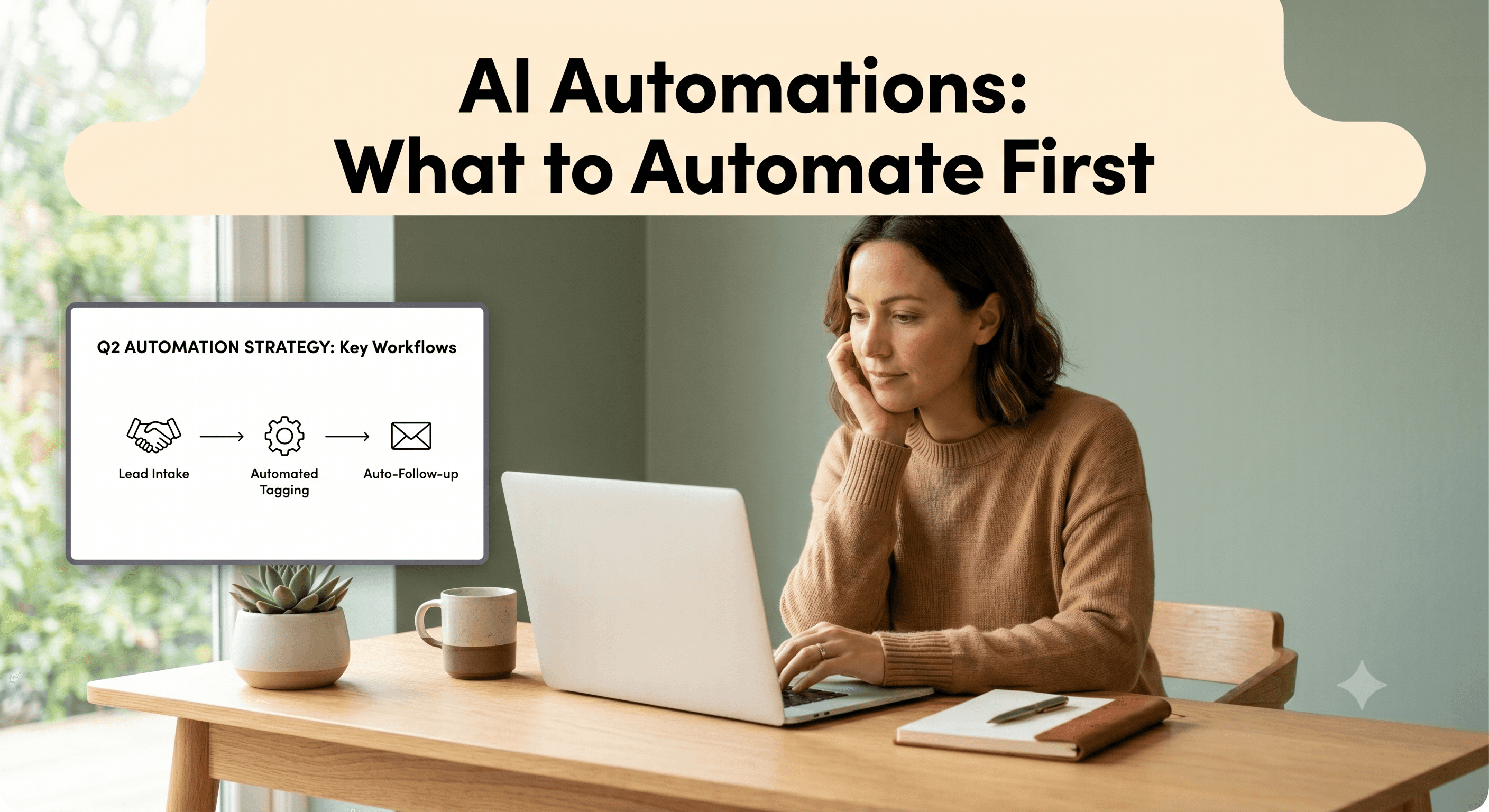
Lead intake and follow-up. A new lead fills out your form, and within seconds they get a personalized reply, the lead lands in your CRM, and you get a notification with the details already organized. No lead sits in an inbox for two days because someone was busy.
Email triage. AI reads incoming messages, sorts them by type (sales, support, invoice, spam), and drafts a first-pass reply for the common ones. You review and send instead of writing from scratch.
Meeting notes and action items. Instead of typing notes during a call, a tool records and transcribes it, then AI pulls out the decisions and to-dos and turns them into tasks assigned to the right people.
Quotes, invoices, and reminders. When a deal hits a certain stage, the system generates the document, sends it, and follows up automatically if it is not paid or signed by a set date.
Recurring reports. The weekly numbers you copy and paste into a summary every Friday can be pulled and assembled for you, so you spend your time reading the report instead of building it.
Notice that none of these replace your judgment. They remove the copying, sorting, chasing, and retyping that sits around your judgment.
What to leave alone for now
Automation has a reputation for going wrong, and it is usually because someone automated the wrong thing too early. I steer clients away from automating anything that involves real relationship moments, like a sensitive client conversation or a delicate negotiation. I also avoid one-off tasks, because the time you spend setting up an automation for something you do twice a year will never pay back.
The other trap is the messy process. If a task is confusing when a human does it, automating it just produces confusion faster. Clean up the process first, then automate the clean version.
How to actually get started this month
You do not need a big project. Here is the approach I give owners who want to move without hiring anyone.
Pick one task using the test above. Just one. Write down the exact steps you take today, including where the information starts and where it ends up. This is the single most useful thing you can do, and most people skip it.
Choose a tool that connects what you already use. General-purpose automation platforms like Zapier and Make can link thousands of apps and now let you describe what you want in plain language. If your work lives in a work platform like monday.com, a lot of this can happen right inside it. The point is to add AI where your work already happens, not to add another app to check.
Run it alongside the manual version for a week. Keep doing the task by hand while the automation runs in parallel, and compare. This catches the edge cases before you trust it fully, and it makes the eventual handoff painless.
Then measure one number: hours saved, or errors avoided, or response time. A small, proven win is what earns you the room to automate the next thing. I have watched clients go from one nervous automation to a dozen quiet ones in a few months, simply because the first one worked and they could see it.
If you want a second set of eyes before you commit time to it, that is exactly the kind of thing I help with. You can reach me on our Contact page and we can look at your week together and find the task worth starting with.
Frequently asked questions
Do I need to be technical to use AI automation for small business? No. The current generation of tools is built for non-technical owners, with no-code setup and plain-language instructions. The skill that matters is being clear about your own process, not writing code. When something does need a technical hand, that is where a consultant or a platform partner comes in.
How much does it cost to get started? Less than most people expect. Many automation platforms and AI tools have free or low-cost tiers that are enough to run your first few automations, often in the range of a modest monthly subscription. The bigger cost is usually the time to set things up correctly, which is why starting with one clear, high-value task matters.
Will AI automation replace my employees? In small businesses, that is rarely what happens. It removes the repetitive parts of jobs, like data entry, sorting, and chasing, so your people spend their hours on work that needs a human. Most owners I work with use the time they get back to grow, not to cut staff.
What if the automation makes a mistake? Build it so a person reviews anything important before it goes out, especially at the start. Run the automation alongside your manual process for a week, keep a human approving the high-stakes steps, and you catch the rare errors long before they reach a customer.