How to Add AI Automations to monday.com: A Small Business Guide
monday.com
Resources
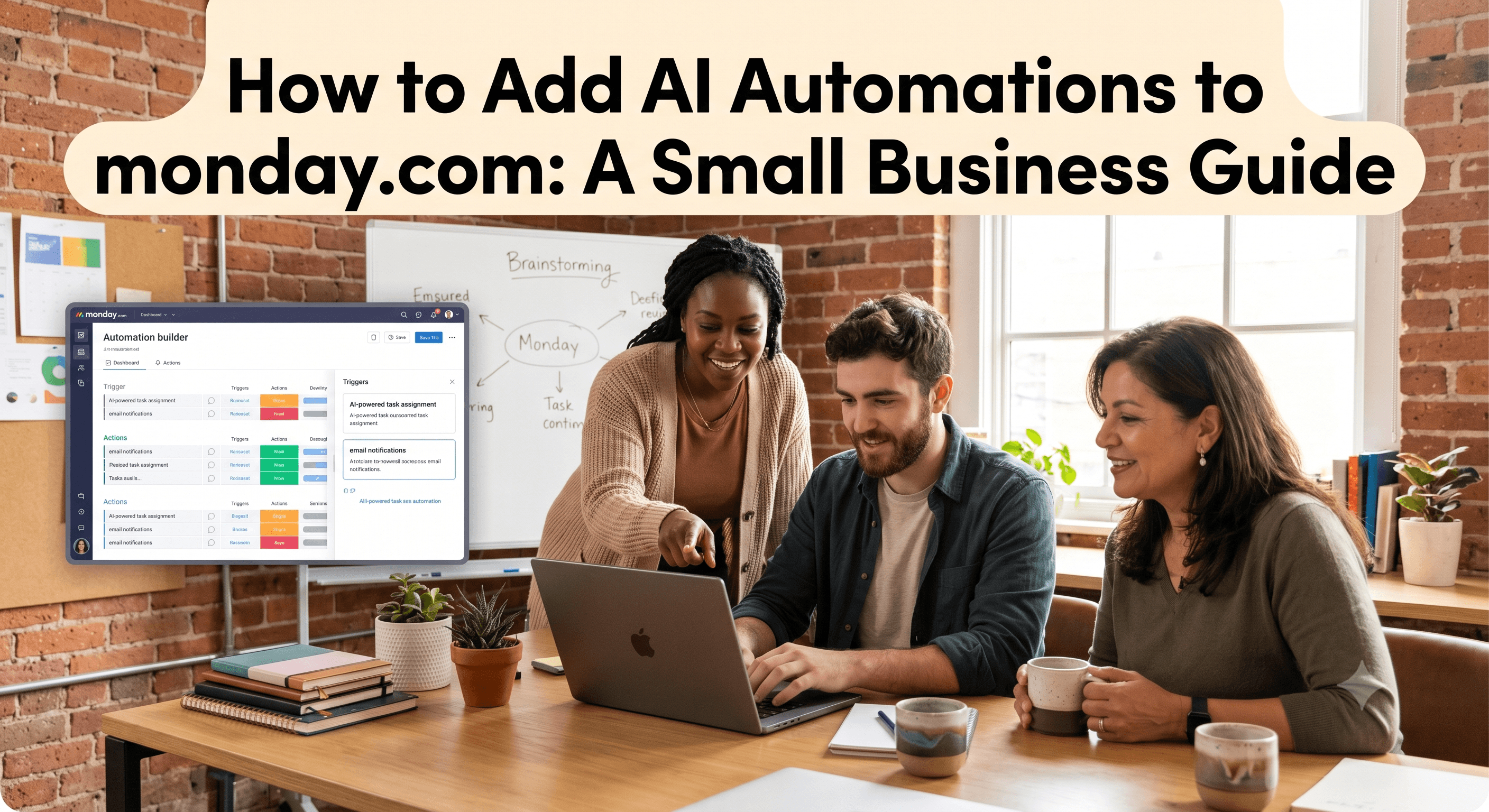
How to Add AI Automations to monday.com: A Small Business Guide
If you run a small business, you've probably noticed that "AI" is now attached to nearly every tool you use, monday.com included. The promise is appealing: less manual work, faster follow-ups, fewer things slipping through the cracks. The problem is that most explanations are written for enterprise IT teams, not for the owner who's also doing sales, support, and payroll on a Tuesday afternoon.
I'm a certified monday.com partner and I build AI automations for small businesses every week. This guide walks through what monday.com AI automation actually means in 2026, what it can realistically do for a team of 2 to 50 people, and how to set up your first few automations without writing a line of code. No jargon, just the practical version.
What "AI automation" means in monday.com
It helps to separate two ideas that often get lumped together.
Automations have been in monday.com for years. They're the "if this, then that" rules you set up - for example, when status changes to Done, notify the project manager. They're reliable and rule-based. They do exactly what you tell them, nothing more.
AI automations add judgment to those rules. Instead of only reacting to a fixed trigger, AI can read the messy, human content inside your boards - an email, a form response, a meeting transcript - and decide what to do with it. It can summarize, categorize, draft a reply, or pull out the important details and drop them into the right column.
A simple way to picture it: a regular automation moves a card when you tell it to. An AI automation reads the card first, then decides where it should go.
The AI tools available inside monday.com today
As of 2026, monday.com offers a few AI capabilities you can use without any add-ons. Here's what each one is for, in plain terms.
monday sidekick is the built-in assistant. It understands the context of your account - your boards, statuses, owners, and updates - so you can ask it questions in plain English ("which projects are behind this week?") and have it help build or adjust your setup.
AI blocks are the workhorses for automation. Inside the workflow builder you can add steps that use AI to write text, summarize an update, analyze the sentiment of a customer message, or extract specific information from a block of text. These are the pieces you'll combine to build a useful automation.
AI agents go a step further than assistance. An agent can take action inside your workflow - routing a request, updating fields, preparing context for a teammate, or qualifying a lead - while staying under your supervision. They left beta in early 2026 and can be configured by non-technical users.
Notetaker joins your Zoom, Teams, or Google Meet calls, transcribes them, and turns the discussion into action items on your boards automatically or activity feed in mondayCRM.
You don't need all of these on day one. Most small businesses get the biggest return from two or three well-chosen automations.
How to set up your first AI automation in monday.com
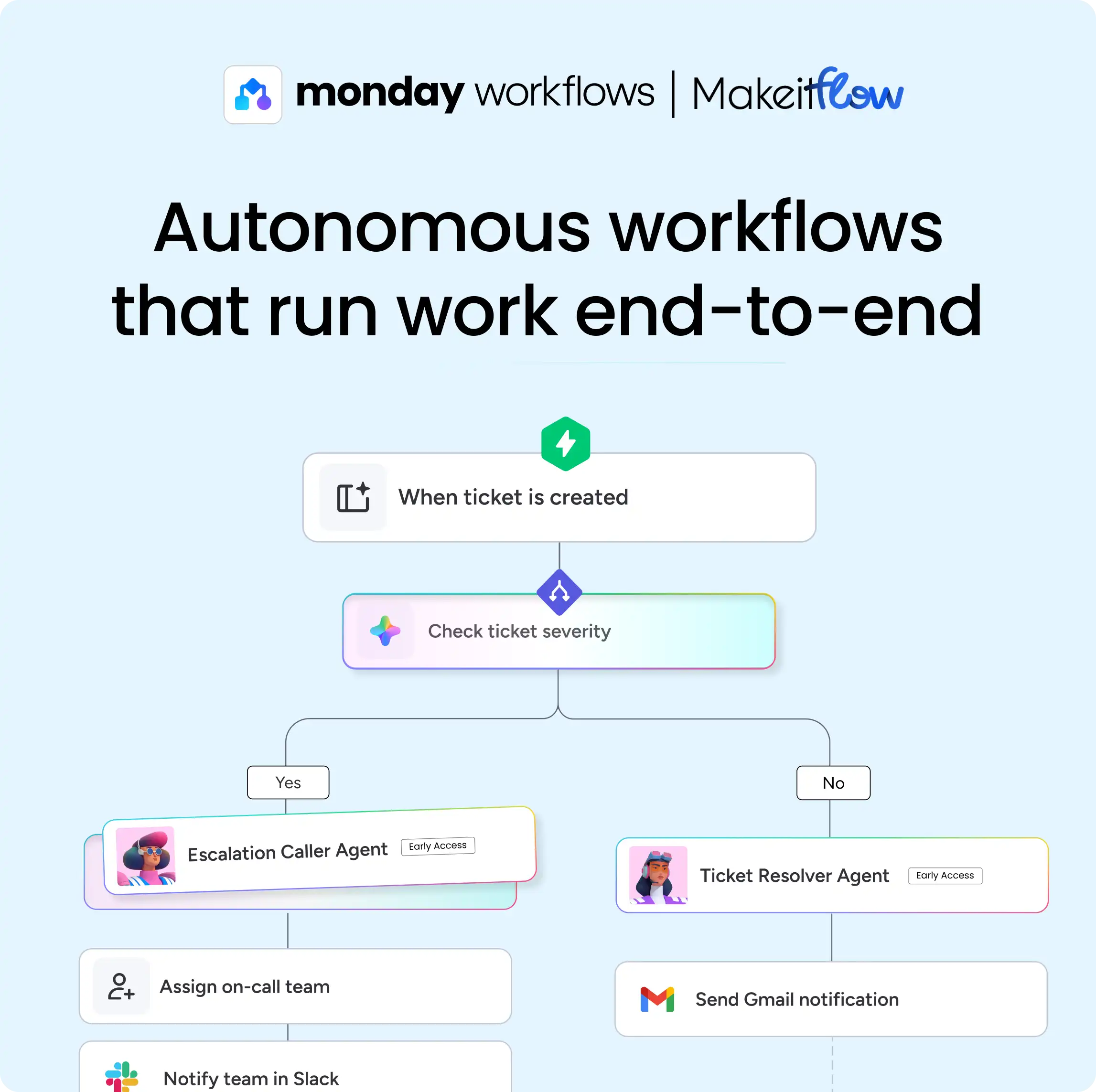
Here's the approach I use with clients. It works because it starts with a real problem rather than the technology.
Step 1: Find a task you repeat that involves reading and deciding
AI earns its keep on tasks that are repetitive and require a small judgment call. Good candidates include sorting incoming leads by quality, summarizing long client emails, tagging support tickets by topic, or pulling action items out of meeting notes. Pick one painful, frequent task to start. Don't try to automate everything at once.
Step 2: Map the manual steps before you automate
Write down exactly what a person does today, step by step. For example, for an incoming contact form: read the message → decide if it's a real prospect → set a priority → assign it to the right salesperson → send a quick acknowledgement. This map becomes your blueprint. If you can't describe the steps clearly, the automation won't work - and this is the stage where a quick planning session saves you hours later.
Step 3: Build it in the workflow builder
Open the workflow builder in monday.com and describe what you want in plain English, or assemble it block by block. For the contact-form example, you'd combine an AI block that reads and categorizes the message with standard automation steps that set the priority, assign the owner, and send the acknowledgement. Because it's no-code, you build by describing and arranging, not programming.
Step 4: Test with real examples before going live
Run your automation against five or ten real past examples and check the output. AI is probabilistic, not perfect - it occasionally miscategorizes or writes something off-tone. Testing first lets you tune the instructions and add a guardrail (such as routing anything uncertain to a human) before it touches a live customer.
Step 5: Keep a human in the loop where it matters
For anything customer-facing or high-stakes, set the automation to draft rather than send, or to flag for review. You get most of the time savings while keeping control. As your confidence grows, you can let the reliable automations run fully on their own.
When monday.com's AI isn't enough - and what to do about it
monday.com's native AI is excellent for work that happens inside monday.com. But small businesses rarely live in one app. Your leads might come from a website form, your invoices from accounting software, your conversations from email and WhatsApp.
When you need AI to act across tools - say, read an incoming email in Gmail, summarize it, create an item in monday.com, and post a note in Slack - that's where a tool like Make.com comes in. Make connects monday.com to thousands of other apps and lets you add AI steps anywhere in the chain. I reach for it whenever a workflow crosses an app boundary that monday's native automations can't reach.
This combination - monday.com's native AI for in-platform work, plus Make.com for everything connected to it - is where small businesses get the most out of automation.
A realistic view of what to expect
AI automation in monday.com won't replace your team, and it won't run your business for you. What it does well is take the repetitive reading-and-sorting work off your plate so your people spend their time on the parts that need a human. Clients I work with most often see results in faster response times, fewer dropped follow-ups, and a noticeable drop in manual data entry - usually within the first month.
Start small, automate one painful task, prove it works, then expand. That's how you get real value rather than a half-finished setup nobody trusts.
Frequently asked questions
Do I need a paid plan to use AI in monday.com? AI features are available across monday.com's paid plans, and usage is metered through AI credits. If you're weighing the cost, it's worth estimating how many AI actions you'll actually run per month before committing.
Is monday.com AI automation safe for customer data? The AI works within your account's existing permissions and stays under your supervision. For customer-facing output, I recommend keeping a human review step in place until you've confirmed the quality.
Can I set this up myself, or do I need a consultant? Many simpler automations are genuinely DIY thanks to the no-code builder. The value of a partner shows up when workflows get complex, cross multiple tools, or need to be reliable enough to trust without checking. If you'd rather skip the trial and error, that's exactly what I help with.
What's the difference between an automation and an AI agent? An automation follows a fixed rule. An AI agent can interpret context and take a series of actions toward a goal, adjusting along the way - useful for tasks like qualifying leads or onboarding employees.
Ready to put AI to work in your monday.com account?
I'm a certified monday.com partner and AI automation consultant, and I help small businesses set up automations that actually hold up in daily use. Book a free consultation and we'll map out the first automation worth building for your team.